Course Overview
Advanced Excel is an essential skill for professionals working with data, reporting, finance, administration, and business analysis. This course focuses on advanced tools and techniques used to improve productivity and decision-making in the workplace.
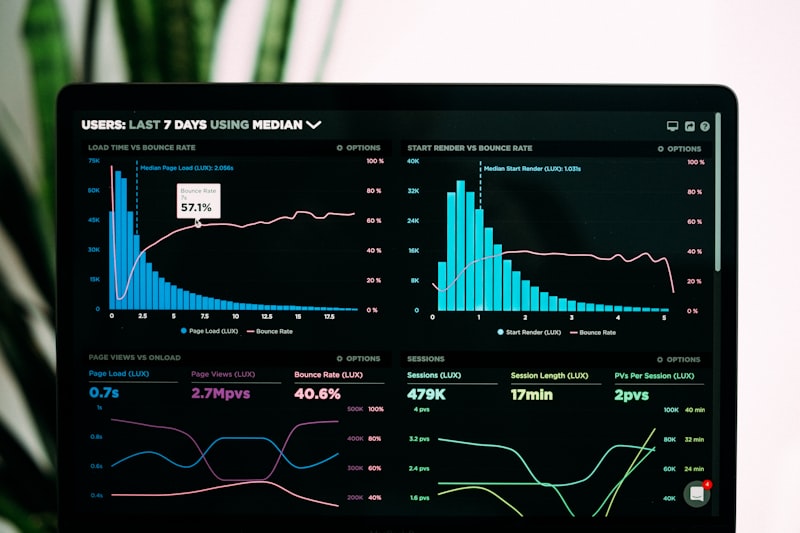
From basic formulas to complex pivot tables, interactive dashboards, and macro automation, this course covers everything needed to become a proficient Excel user sought after by employers across industries.
What You Will Learn
Excel Fundamentals & Formatting
- Worksheets and Workbooks
- Advanced Formatting Techniques
- Data Management Basics
- Keyboard Shortcuts & Productivity Tips
- Cell Referencing (Absolute & Relative)
- Named Ranges
Advanced Formulas & Functions
- IF, NESTED IF Functions
- VLOOKUP & HLOOKUP
- XLOOKUP (Latest Excel)
- INDEX & MATCH
- SUMIF, COUNTIF, AVERAGEIF
- Logical Functions (AND, OR, NOT)
- Text Functions (LEFT, RIGHT, MID)
- Date & Time Functions
Data Analysis Tools
- Pivot Tables – Creation & Design
- Pivot Charts – Interactive Visuals
- Data Validation & Drop-downs
- Conditional Formatting Rules
- What-If Analysis
- Goal Seek & Scenario Manager
Reporting & Dashboards
- Dynamic Reports Creation
- Interactive Dashboard Design
- KPI Reporting Techniques
- Slicers & Timelines
- Sparklines & Mini Charts
- Business Analytics Reports
Data Tools & Cleaning
- Advanced Sorting & Filtering
- Remove Duplicates
- Data to Columns / Text Splitting
- Flash Fill Techniques
- Find & Replace (Advanced)
- Data Consolidation
Automation with Macros
- Introduction to Macros
- Recording & Running Macros
- Macro Security Settings
- Template Creation & Automation
- Productivity Tool Shortcuts
- Basic VBA Introduction
Benefits of This Course
- Faster & Efficient Data Analysis
- Improved Workplace Productivity
- Better Reporting & Presentation Skills
- Enhanced Decision Making Ability
- Increased Job Market Value
- Freelance Data Work Opportunities
- Better Business Management Skills
- High Demand in All Industries